TesterArmyTesterArmy
WelcomeIntroductionQuick Start
Run ModePull Request TestingProduction MonitoringGroup Webhooks
Test CredentialsAgent Mail InboxesHTTP Basic Auth
OverviewApp UploadsGitHub Actions
VercelCoolifyCoolifySlack
Testing Staging EnvironmentTesting PRs
Getting StartedLocal Development
Auth

HTTP Basic Auth

If your staging or preview site is behind HTTP Basic Authentication, save credentials in TesterArmy so the AI agent can access it during test runs.
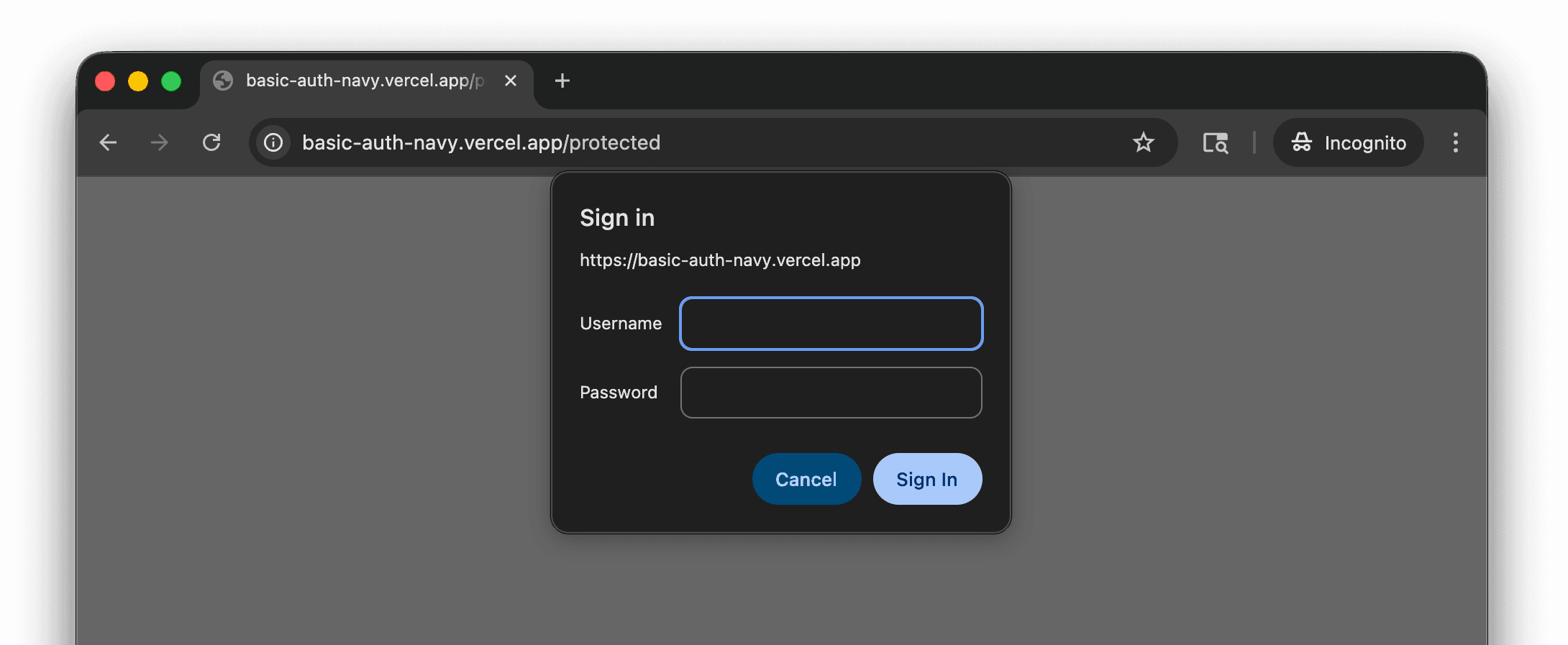
HTTP Basic Auth browser prompt

Setup

  1. Go to Project Settings → Integrations → Site Protection.
  2. Click Set up on the HTTP Basic Auth card.
  3. Enter the username and password.
  4. Click Save.

Credentials are stored encrypted and sent automatically with every test run for that project.

Agent Mail Inboxes

Previous Page

Overview

Next Page

On this page

Setup