Get Started
Quick Start
1. Create an account
Sign up at tester.army.
2. Create a project
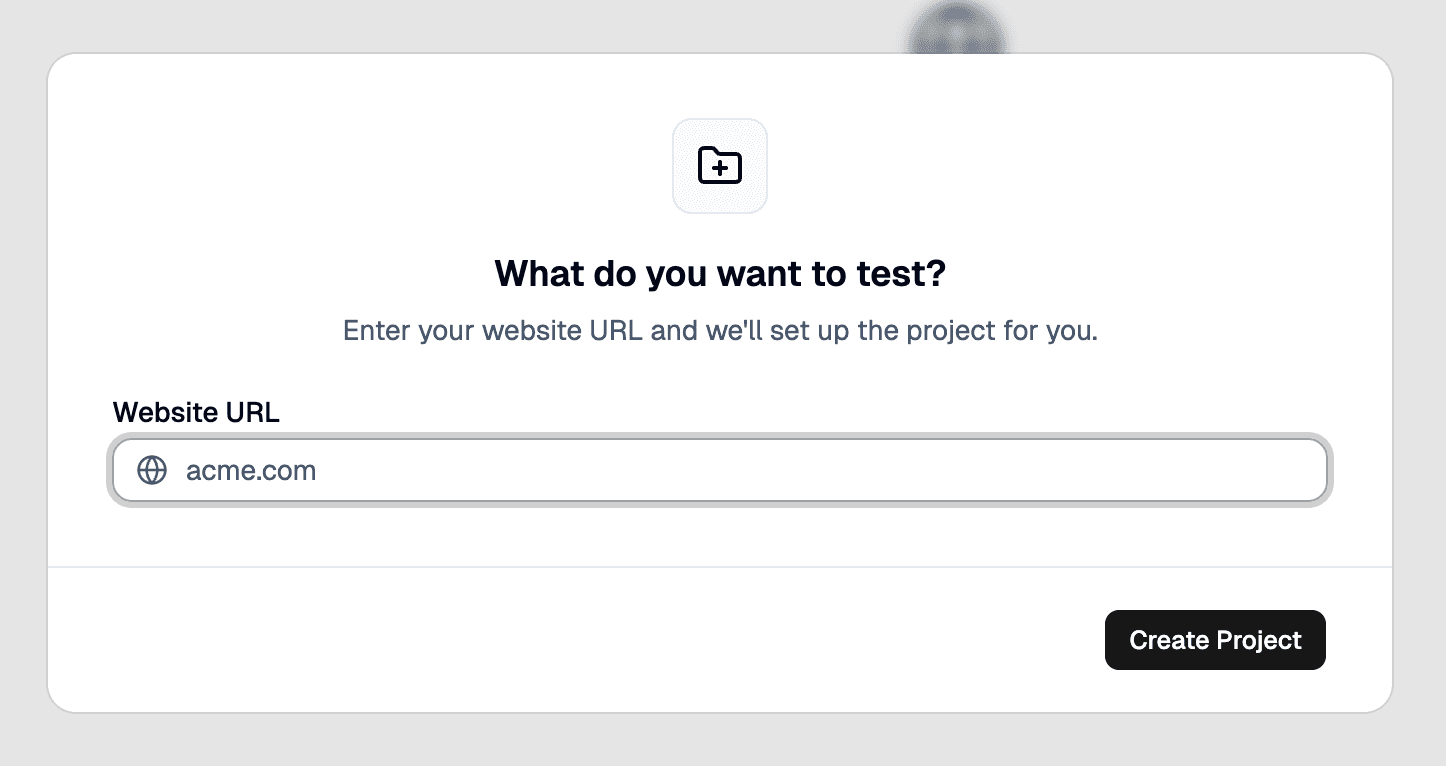
Click New Project in the dashboard sidebar. Enter your app name and target URL (e.g., https://staging.myapp.com). Click Create.
3. Create a test
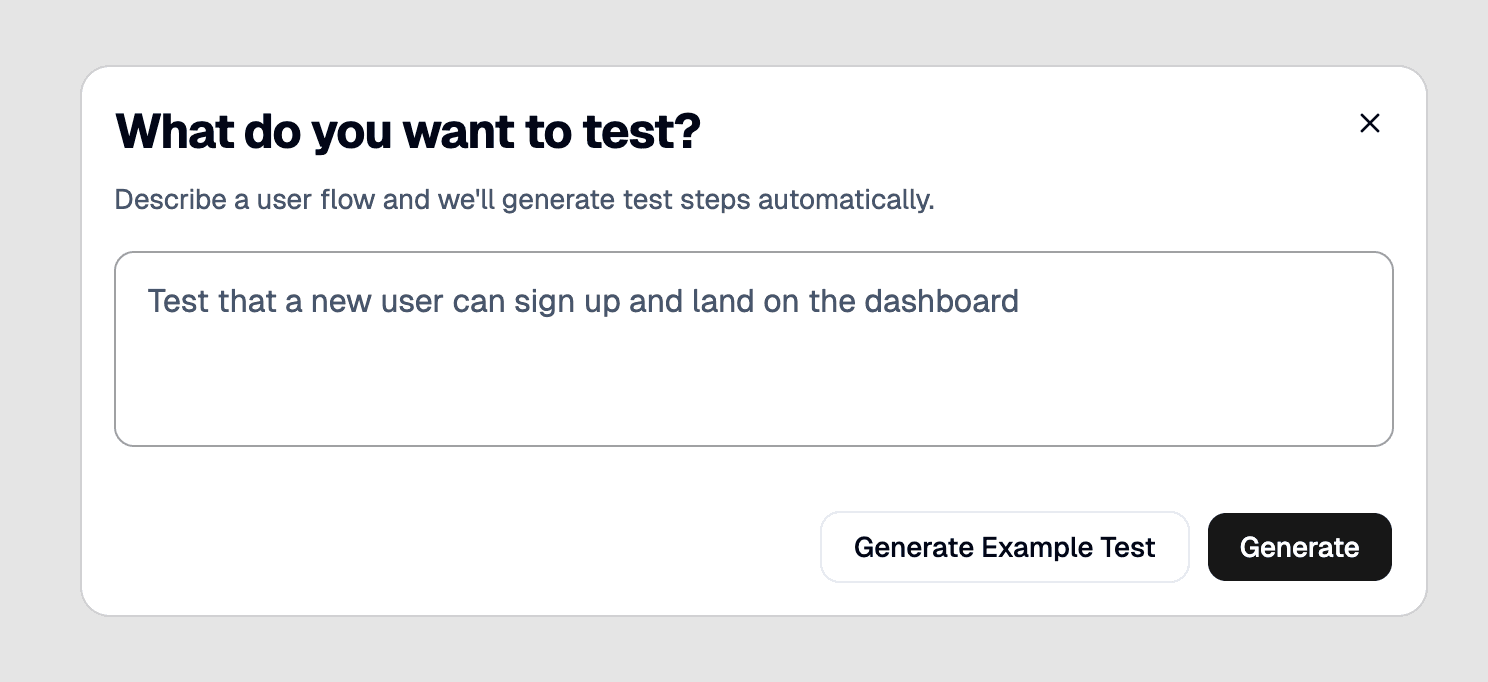
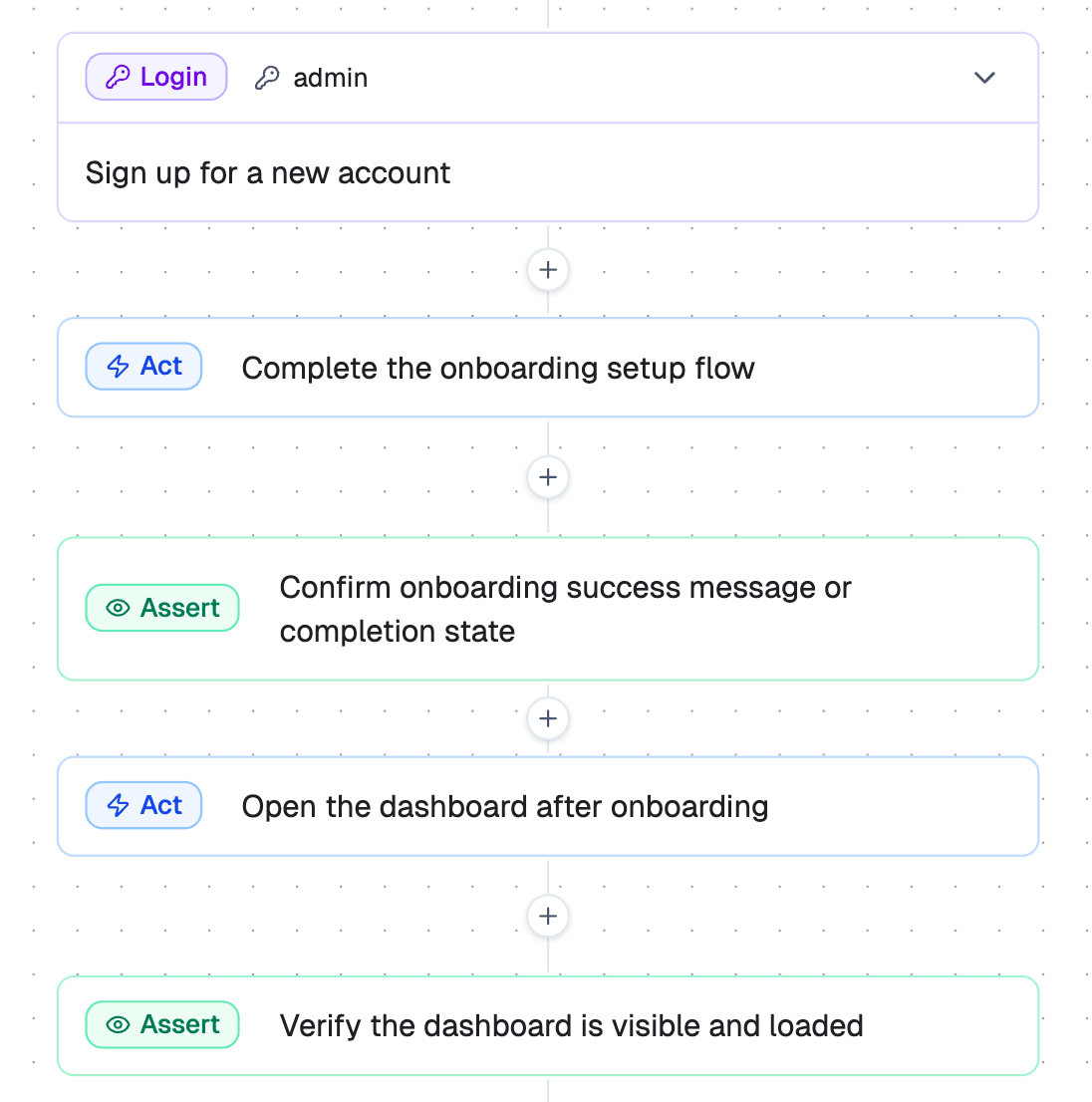
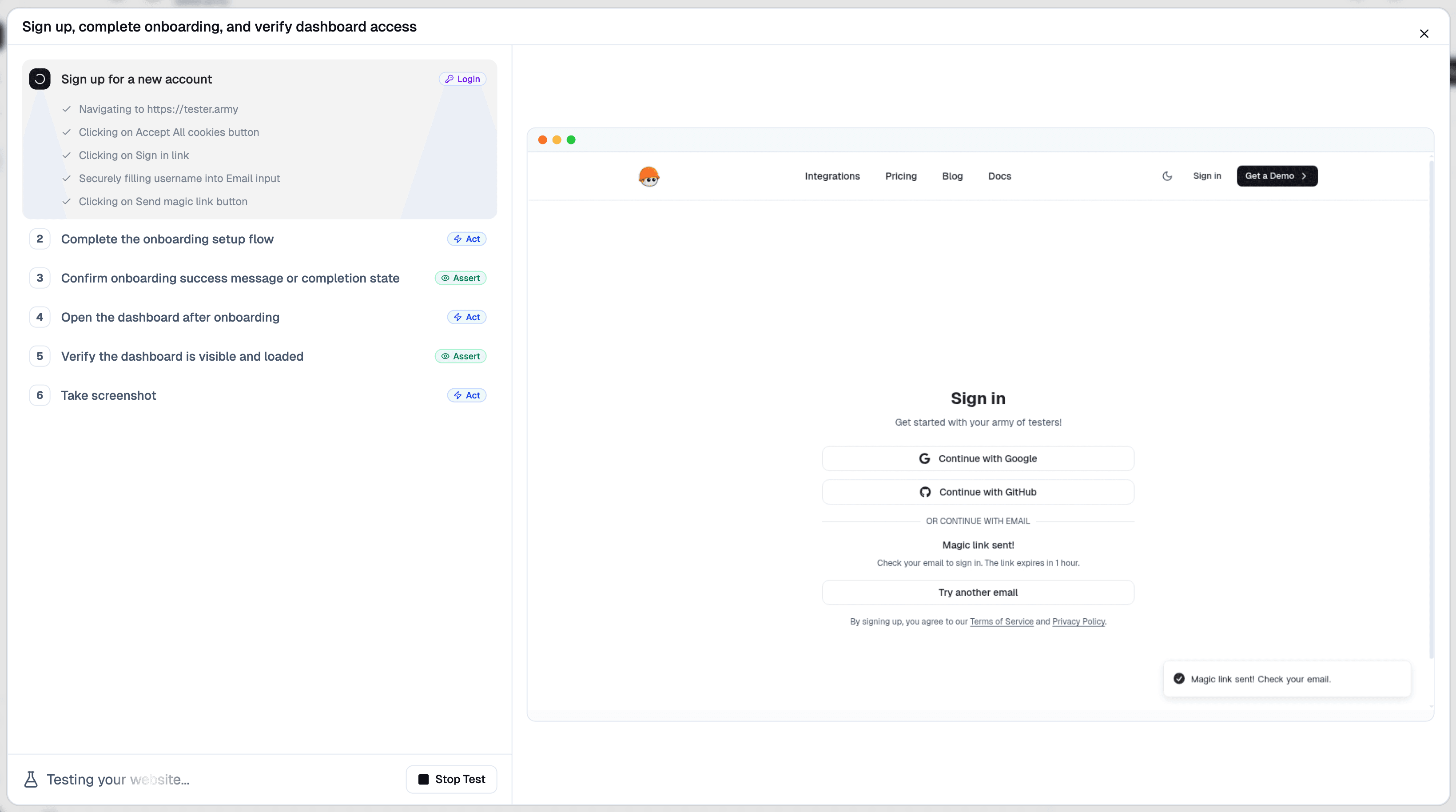
Click on create a new test and type-in your prompt. This will generate a test plan that you can tweak. After approving the plan, click .